Northfolio
Portfolio platform

Your portfolio. Nothing else.

Made for creatives who know what needs to be shown.

A portfolio needs your best work, organized the way you want it, connected to what you arleady use.

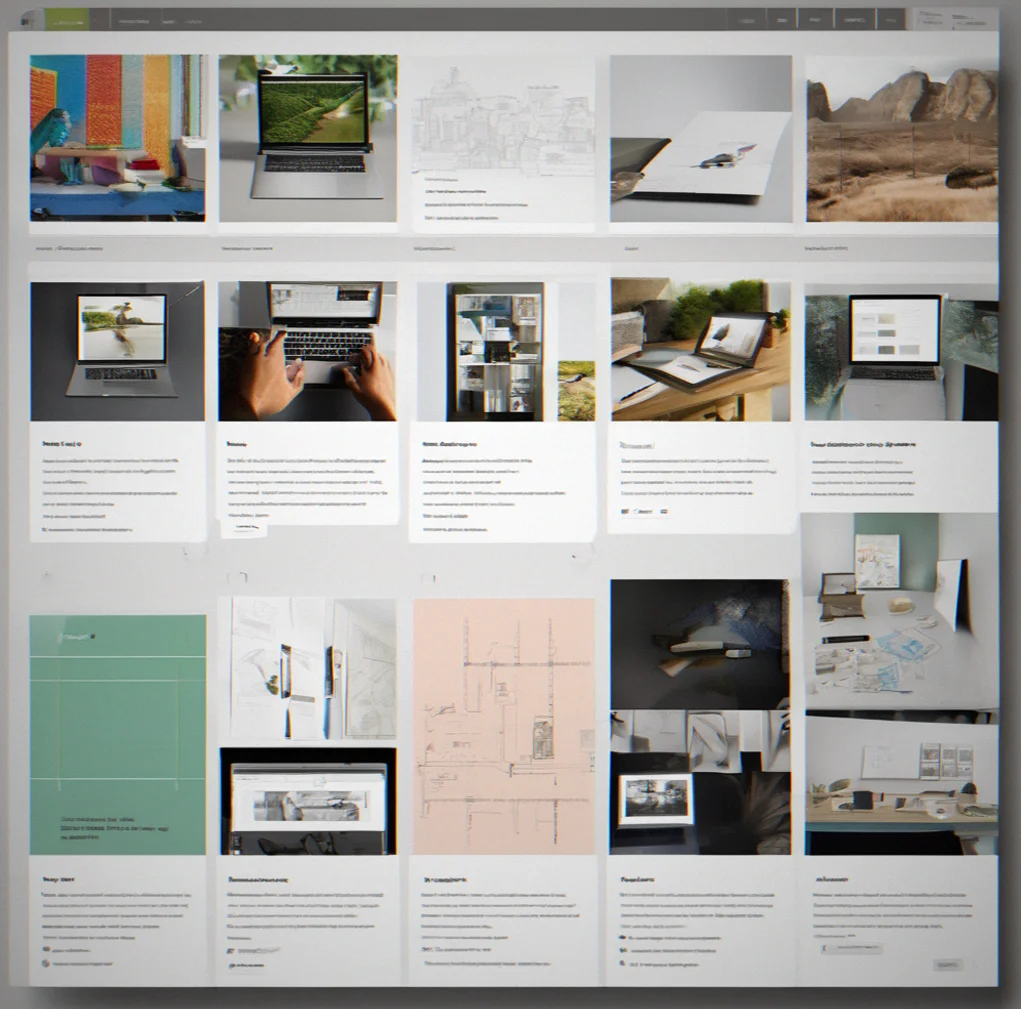
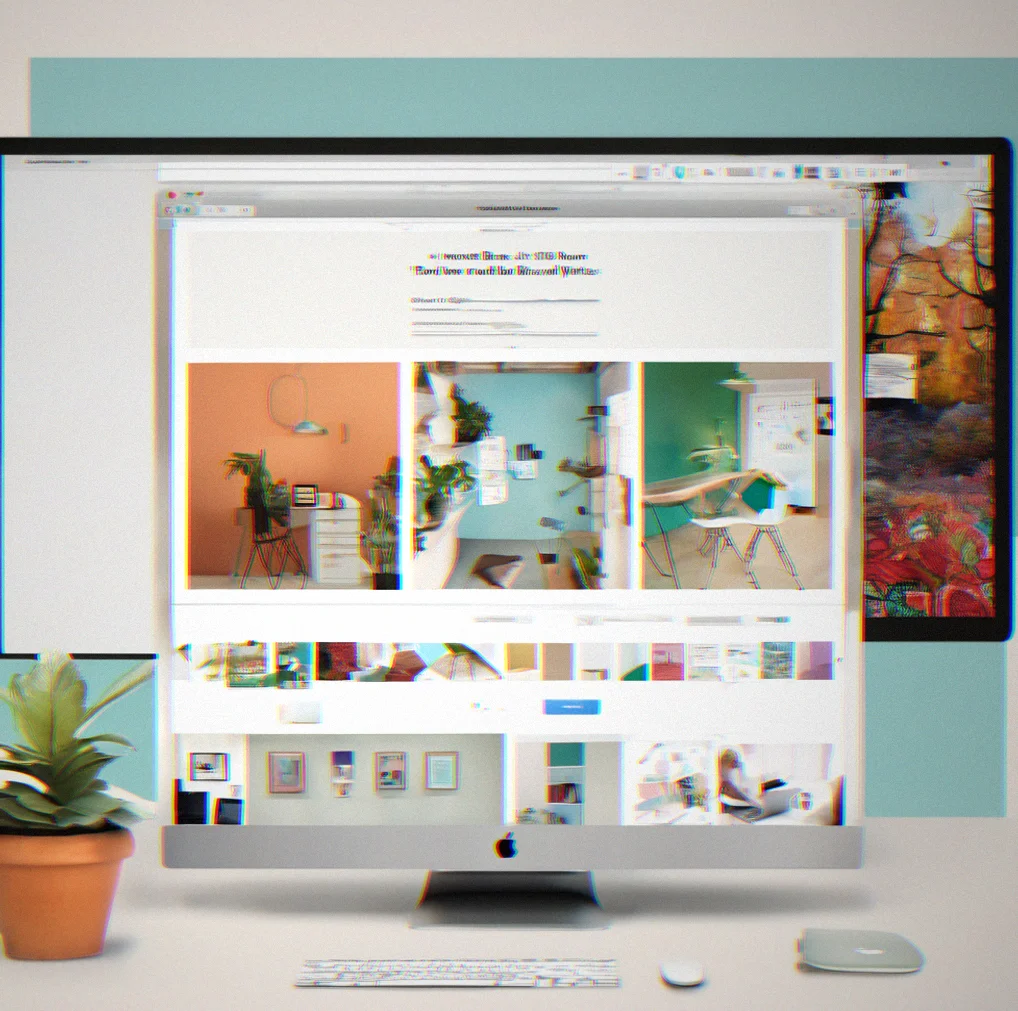
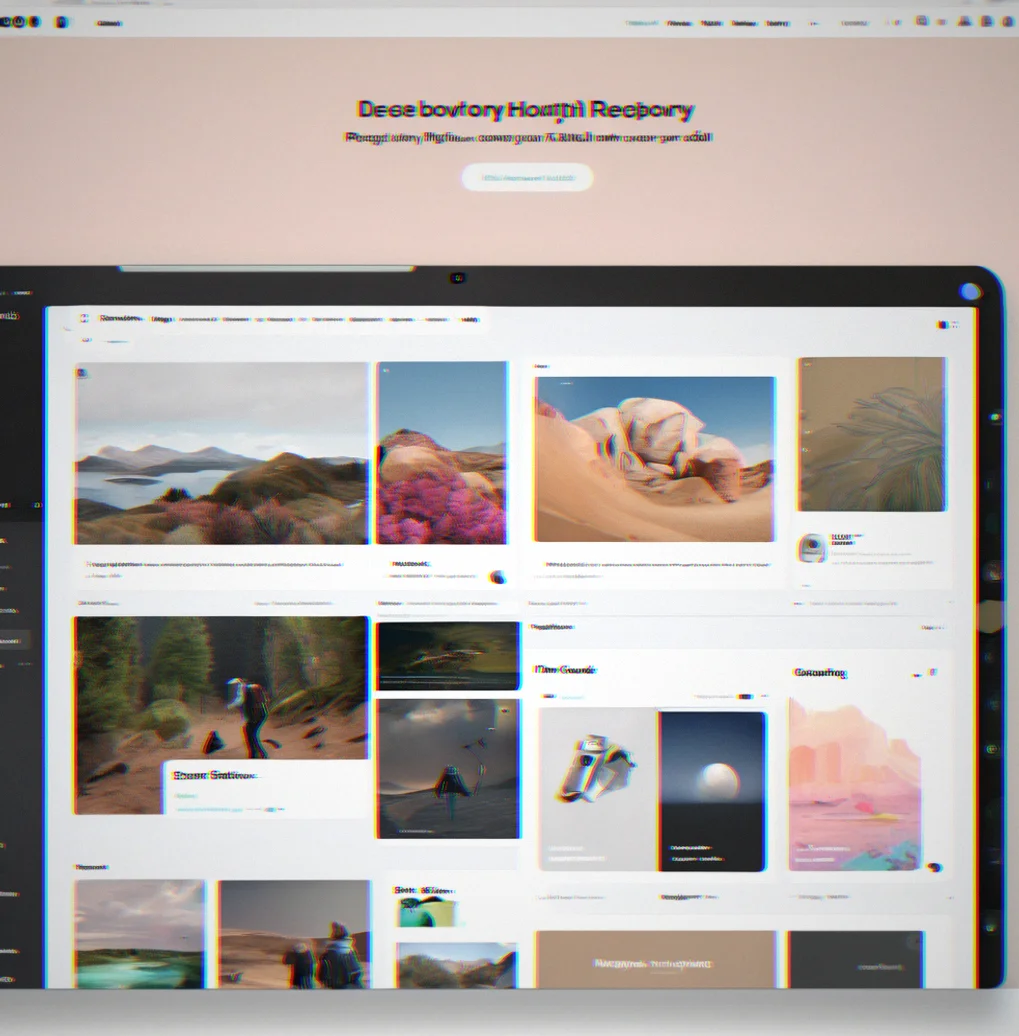
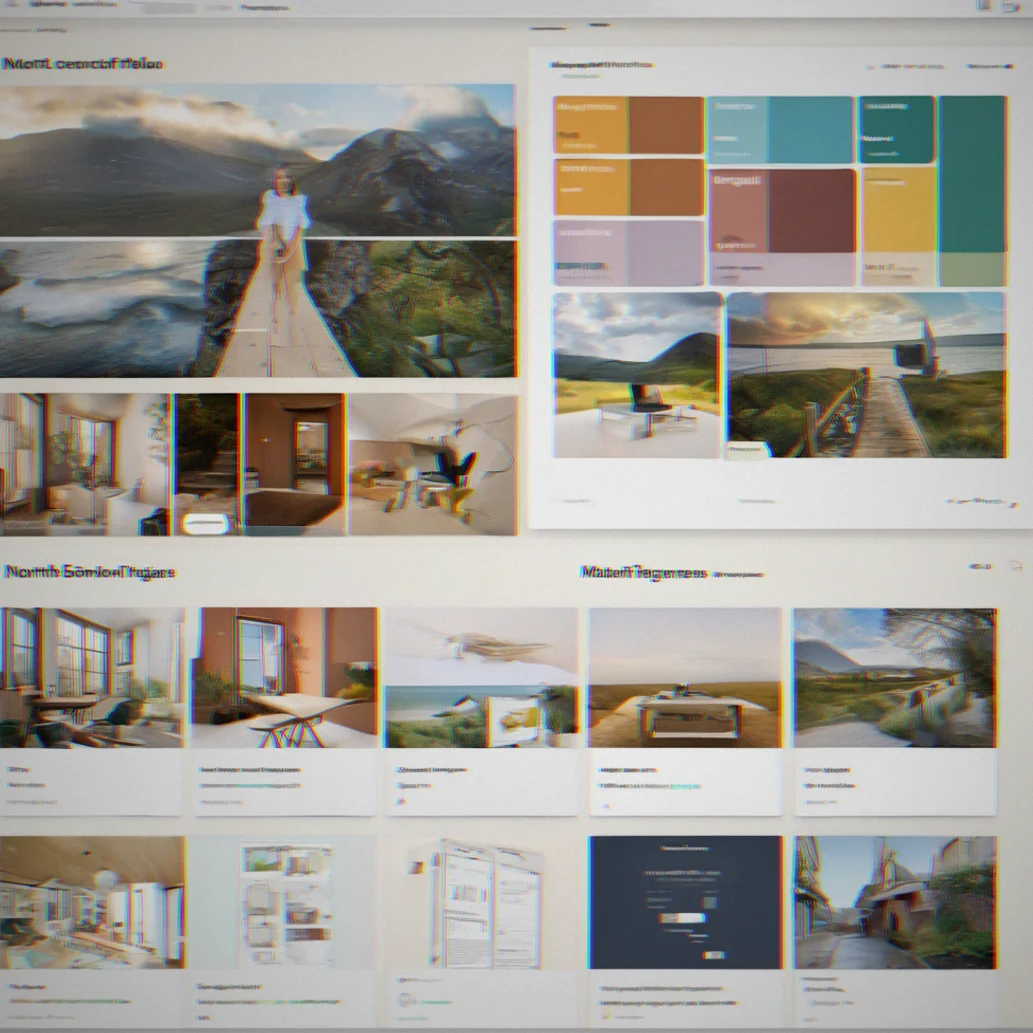
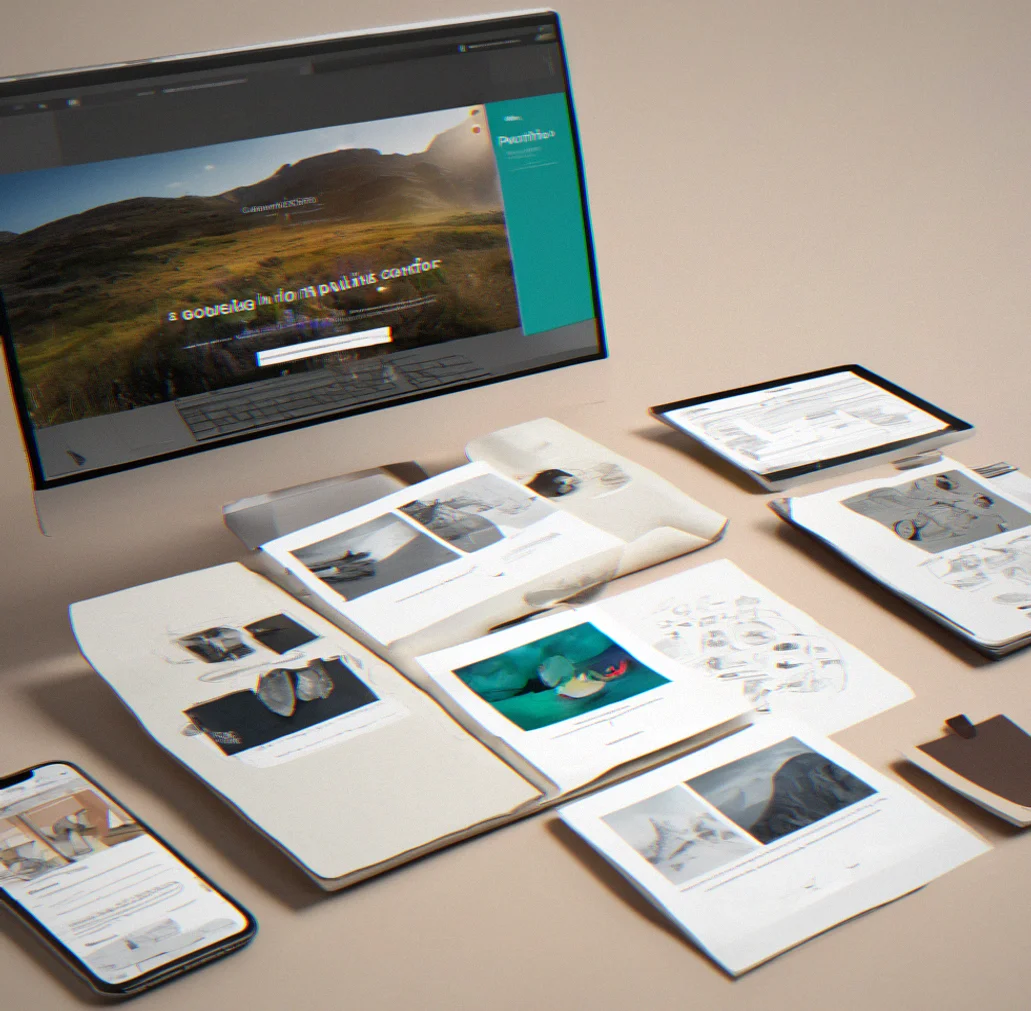
Northfolio portfolio grid with 12 project tiles in a clean layout, dark mode on

Northfolio is a clean platform for independent designers, photographers, writers, and developers. Stick to 5 to 15 pieces. No templates fighting your style. No shopping cart features taking up space. You get a grid, your images, embedded Figma prototypes or GitHub links and a shareable URL. Built for people in Stockholm, Toronto, Portland—anywhere clean design is just design.

How it works

Get it running in about 20 minutes, change things whenever you feel like it

15
maximum portfolio pieces
7
days free trial (no card required)

Drop in your images or paste embed code. Line them up the way you want. Add titles and links if they matter to you, leave them blank if they don't. Hit publish and you're done. Most people have the whole thing live before their lunch break.

Want to rearrange the layout later? Swap things around? Rewrite a project description? You can do all of that without writing a single line of code. The grid adjusts on its own. Your domain doesn't change, links stay good, and anyone who bookmarked your stuff will find it right where they expect it.

Integrations are one-and-done. Connect your GitHub repo once and it stays connected. Embed a Figma file once. You're not constantly rebuilding your portfolio just because you pushed some code or tweaked a design.

Upload directly or paste embed codes

JPG, PNG, WebP, GIF for images. Vimeo, YouTube, or wherever you're hosting video. GitHub links for code. No format hassles.

Dark mode is just there from the start

Not some half-baked toggle. The whole thing respects what you prefer without forcing you to pick it again every time you load a page.

Custom domain on every plan

yourname.com instead of something.northfolio.com. DNS setup takes around 10 to 15 minutes depending on whether you've done it before.

Export your data whenever you want

JSON file with everything—all your content, all your metadata. You're never trapped here. Walk away anytime and take it all with you.

Built for remote creatives

You get what you need. Nothing extra.

For designers

Show 8 to 12 case studies in a clean grid. Embed Figma prototypes straight in — no redirects. High-res images, dark mode is on by default and you can use your own domain. Your portfolio looks like you, not like some template.

</>

For developers

Connect your GitHub repos and your portfolio updates when you push. That's it. No maintaining two places. Add a bio, link to your CV if you want, and let the code do the talking. Five projects or fifty, whatever fits.

For photographers

Full-res images from your series in a grid. Click through to see larger versions. No watermarks forced on you, no stock photo templates getting in the way. Clean background. That's all.

For writers

Link to published work, bylines if you care about them, a short bio. Searchable and shareable. Minimal enough that people actually read what you wrote instead of getting distracted by the design.

Built for remote creatives

You get what you need. Nothing extra.

See what you can do with Northfolio

Grid layouts that actually work

Two columns, three columns, weird asymmetric spacing — your call. Images don't get squashed. Text stays readable on phones, tablets, whatever. The layout bends to fit what you have, not the other way around.

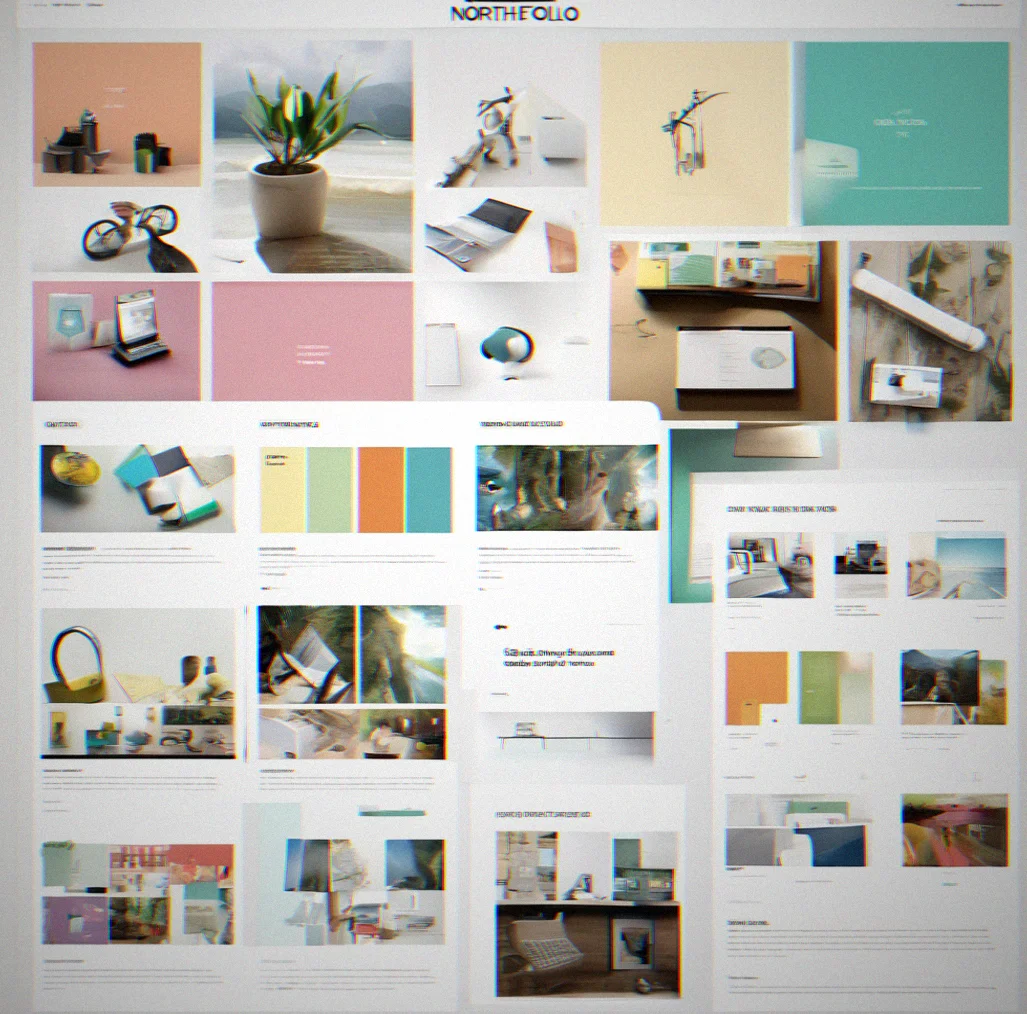
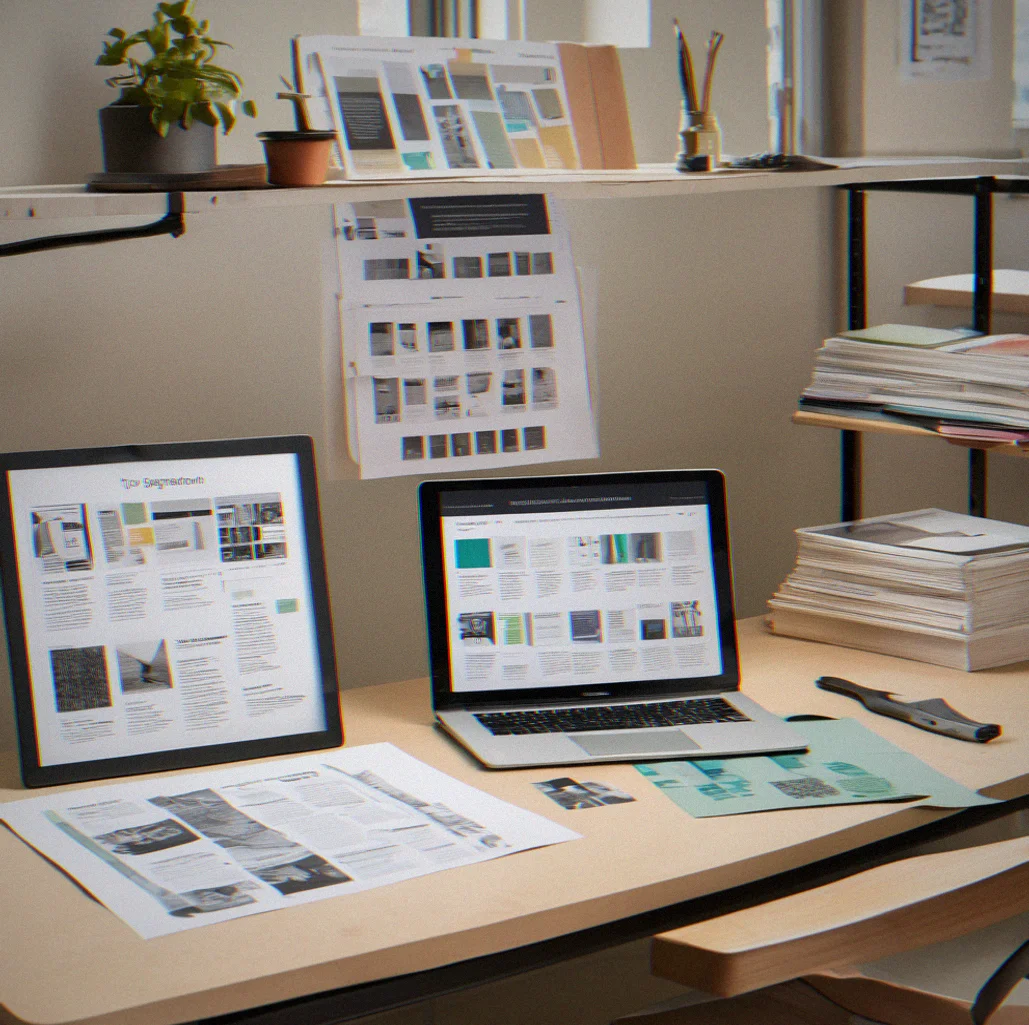
Northfolio portfolio displaying a three-column grid of design projects with varying aspect ratios

Embed Figma prototypes directly

No reason to send people away when you can show the prototype right there. Visitors click through your Figma work without leaving your site. No bouncing around to different tabs.

Embedded Figma prototype displayed inline within a Northfolio project card

GitHub repos linked and live

Your portfolio pulls fresh code whenever you push. No manual updates. You're not juggling two separate things that get out of sync.

Portfolio project card showing GitHub repository connection with commit activity

Dark mode that works

It's not tacked on at the end. Built in from the start. Your portfolio checks what the visitor prefers and adjusts. Colors shift. Type stays sharp. Nothing breaks.

Northfolio portfolio displayed in dark Mode with a serif typeface on black background

Custom domain from day one

yourname.com isntead of yourname.northfolio.com. Point your DNS and you're done. Every plan includes it, no extra charge.

Browser address bar showing a custom domain URL for a Northfolio portfolio

Type choices that matter

Six typeface combinations to pick from. Mix serif with sans, add monospace where it fits. The fonts you choose shape how people react to your work before they even see a single image.

Type specimen showing available Northfolio typeface options including serif and sans-serif families

Export your data whenever

Grab a JSON backup of everything. Your content, your settings, all of it. Walk away anytime and take the whole thing with you.

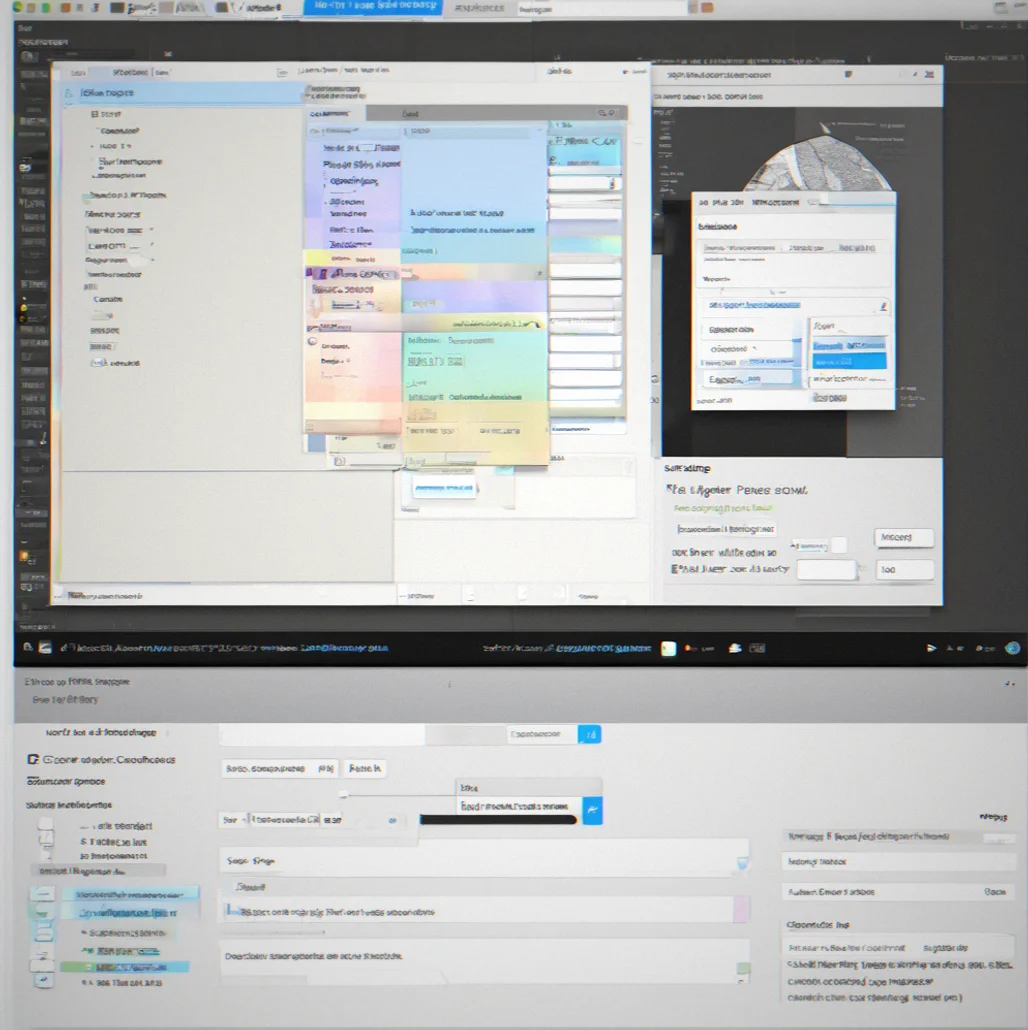
File export dialog showing JSON data download option from Northfolio settings
WHY

Why independent creatives choose Northfolio

What makes it different.

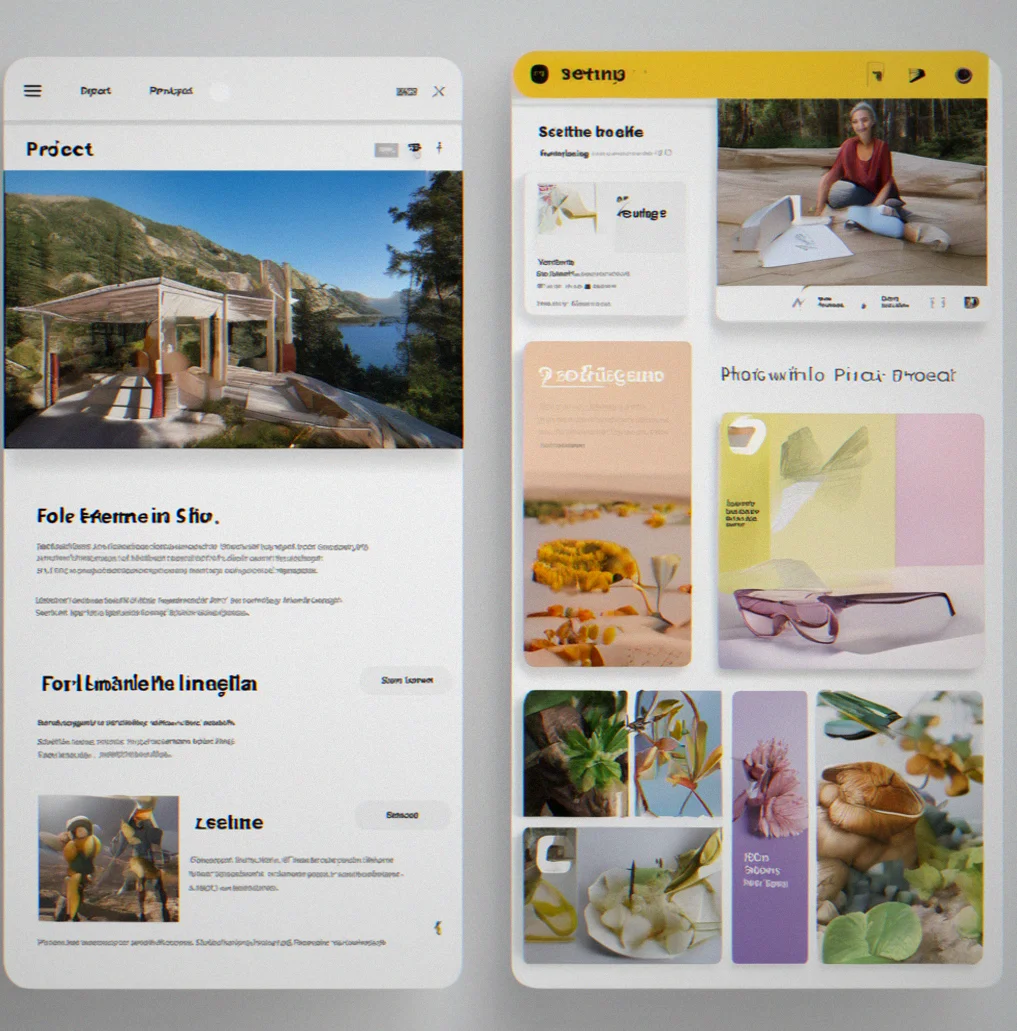
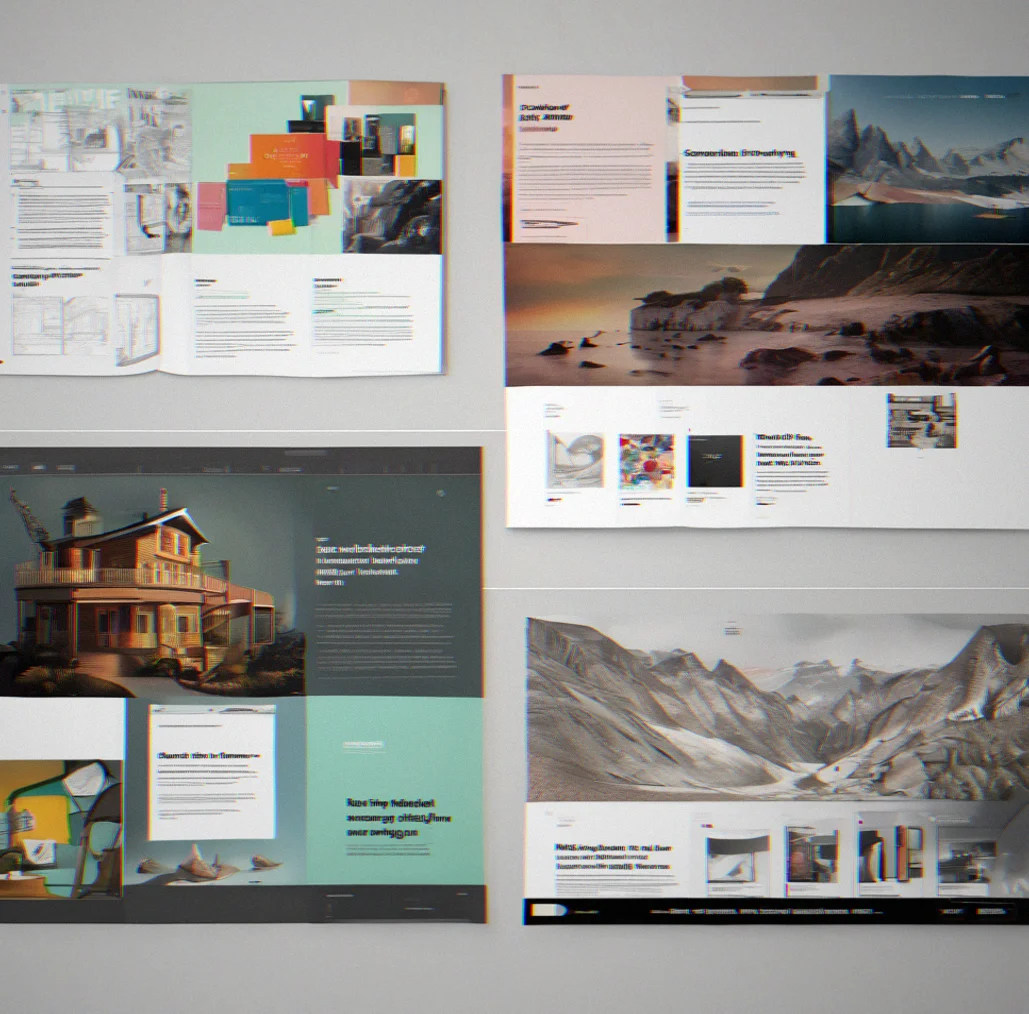
Two Northfolio portfolio examples side by side showing different typography and color choices

Your look stays yours

Most portfolio sites force their own style on you. You either fight it or just accept that your work looks like everyone else's. Northfolio doesn't have a house style to fight. Pick your typeface. Add one accent color if you want one, or skip it entirely. Dark mode if that's what you're into. The platform gets out of the way and your work looks exactly how you meant it to look.

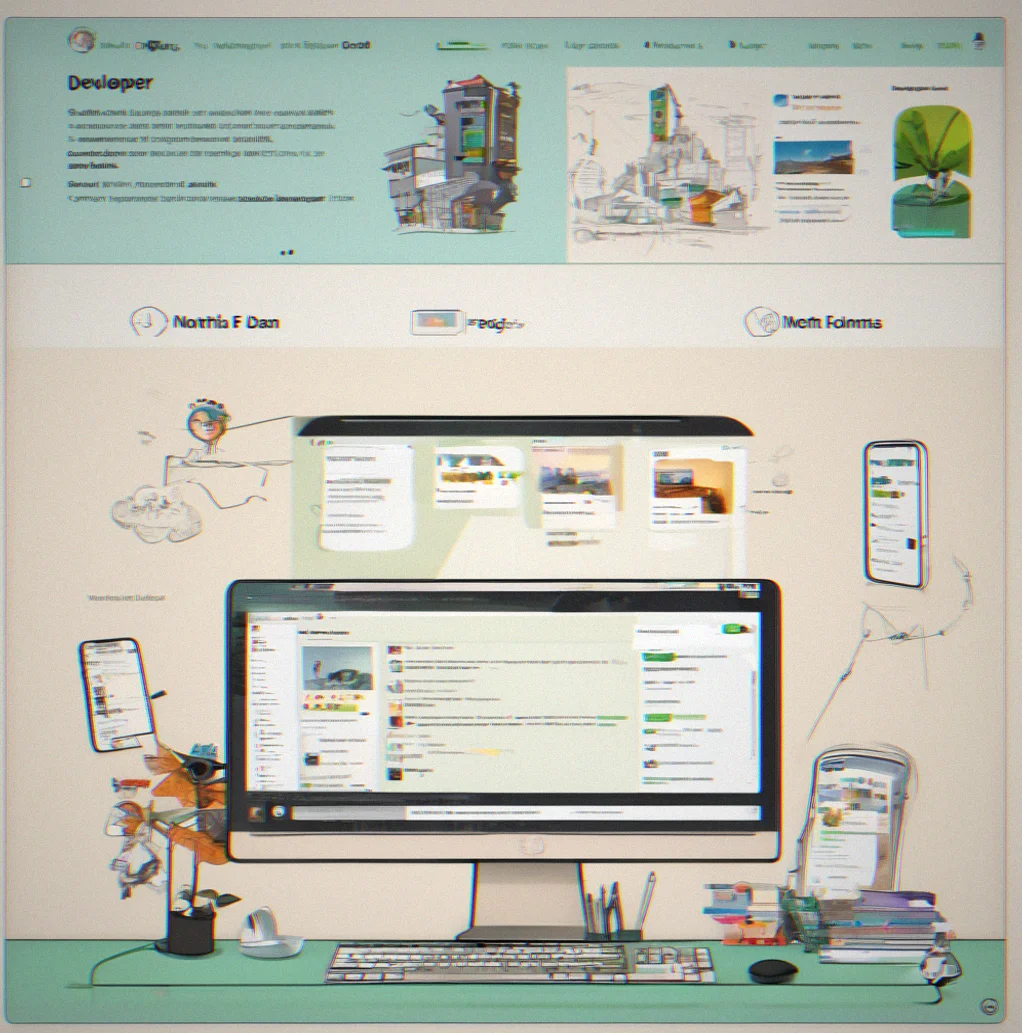
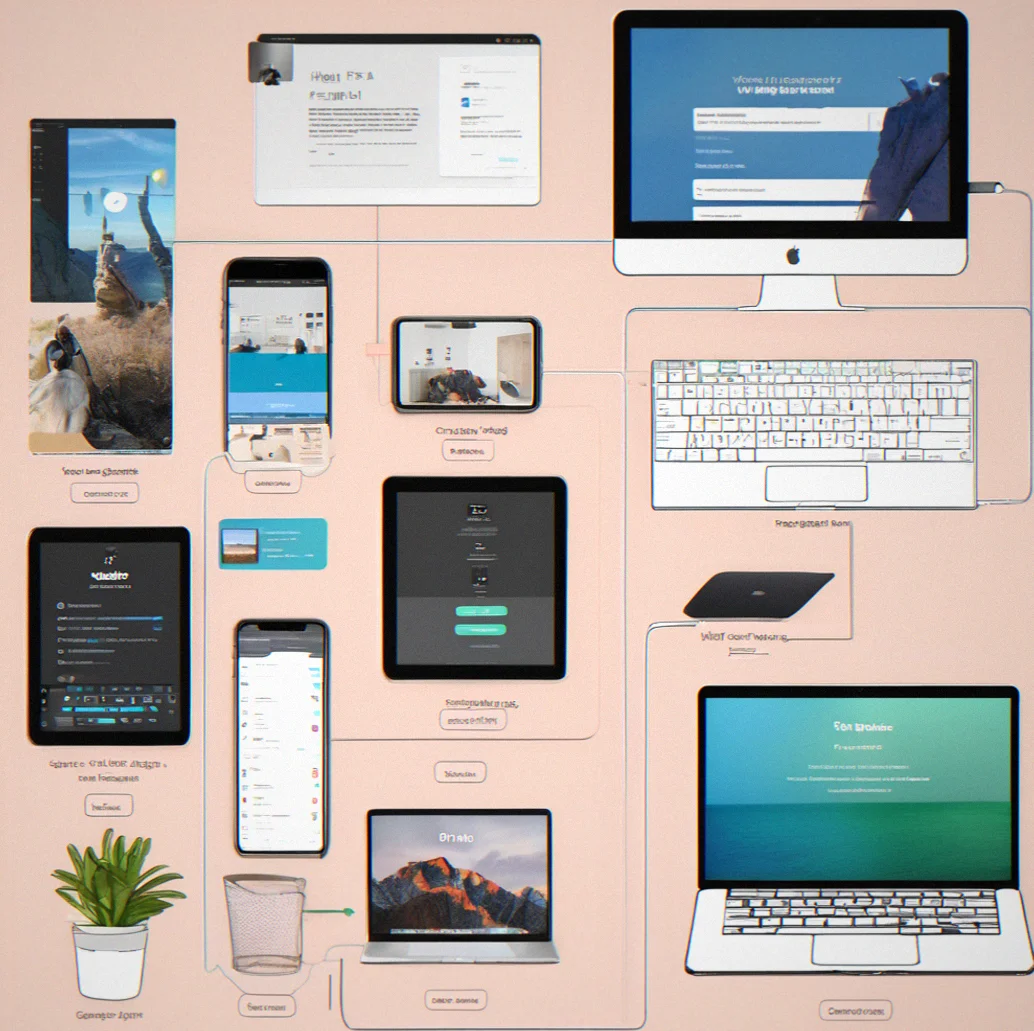
Portfolio interface showing GitHub repository connection and embedded Figma prototype preview

Integrations that don't break

Connect your GitHub and your portfolio updates when you push new code. Embed a Figma prototype directly. No redirects, no dead links from old projects. The tools you're already using just become part of your portfolio.

Clean Northfolio portfolio grid with no extraneous UI elements or shopping features

No store features cluttering things up

Shopping carts and payment processors get in the way. You're showing your work, not running a business selling products. northfolio is just a portfolio—five pieces or fifty, your domain, done.

15

What you actually get

Up to 15 pieces. No newsletter spam. No share buttons nobody wanted in the firts place.

Upload between 5 and 15 pieces

Most independent creatives land somewhere in that sweet spot. You've got room to demonstrate what you can do without turning the whole thing into a catalog. Get much past 15 and you're probably holding onto work you shouldn't be.

Drag and drop to reorder

There's no fussy editor to learn. Just grab a piece and slide it where you want it. Everything reorganizes on the fly. Change the order whenever you feel like it without diving into code or waiting around for builds.

Embed or link whatever you want

Figma prototypes drop in directly. GitHub repos stay linked and stay current. Vimeo, YouTube, your own hosted stuff—it all works. No redirect chains, no extra hoops to jump through.

Choose your typeface

Six different combinations to pick from. Mix of serifs, sans-serif options, monospace if that's your thing. Typography sets the tone before anyone even looks at an image. Pick one and move on.

Dark mode built in

Not some half-baked toggle. The whole thing respects what your visitor's system is set to. Colors shift, contrast stays sharp. It's wired in from the start, not tacked on later.

Your own domain comes with it

yourname.com instead of yourname.northfolio.com. Every plan includes one. Point your DNS and we take care of the rest. No upsell required.

Nothing you didn't ask for

Shopping carts, product pages, payment systems—none of that. Your portfolio stays a portfolio. Some platforms stuff in e-commerce and bloat everything down. We don't.

Get your data back anytime

Download a JSON file with everything—all your content, all your metadata. Your work is yours. Walk away whenever, take it all with you.

Real portfolios, real people

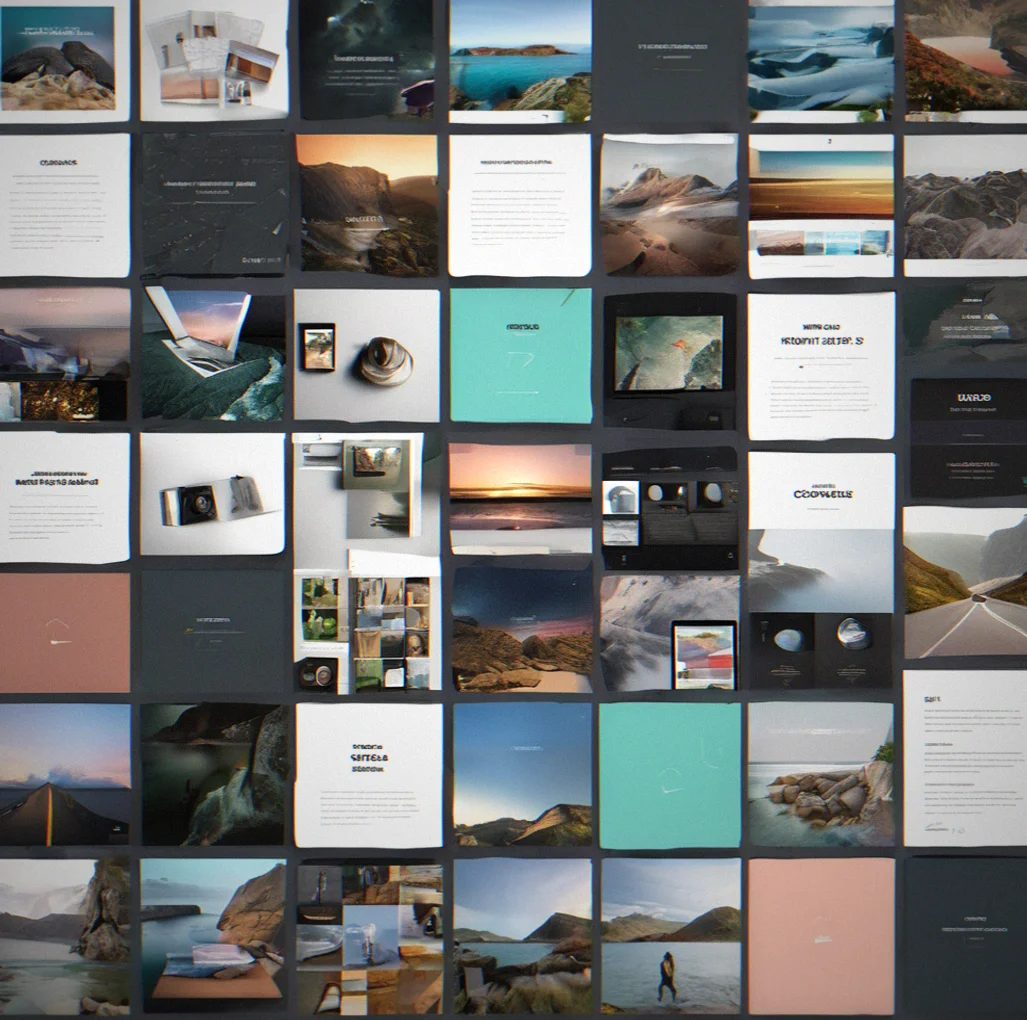
These are actual sites built by independent creators using Northfolio. Not mockups, not staged—just what people actually made.

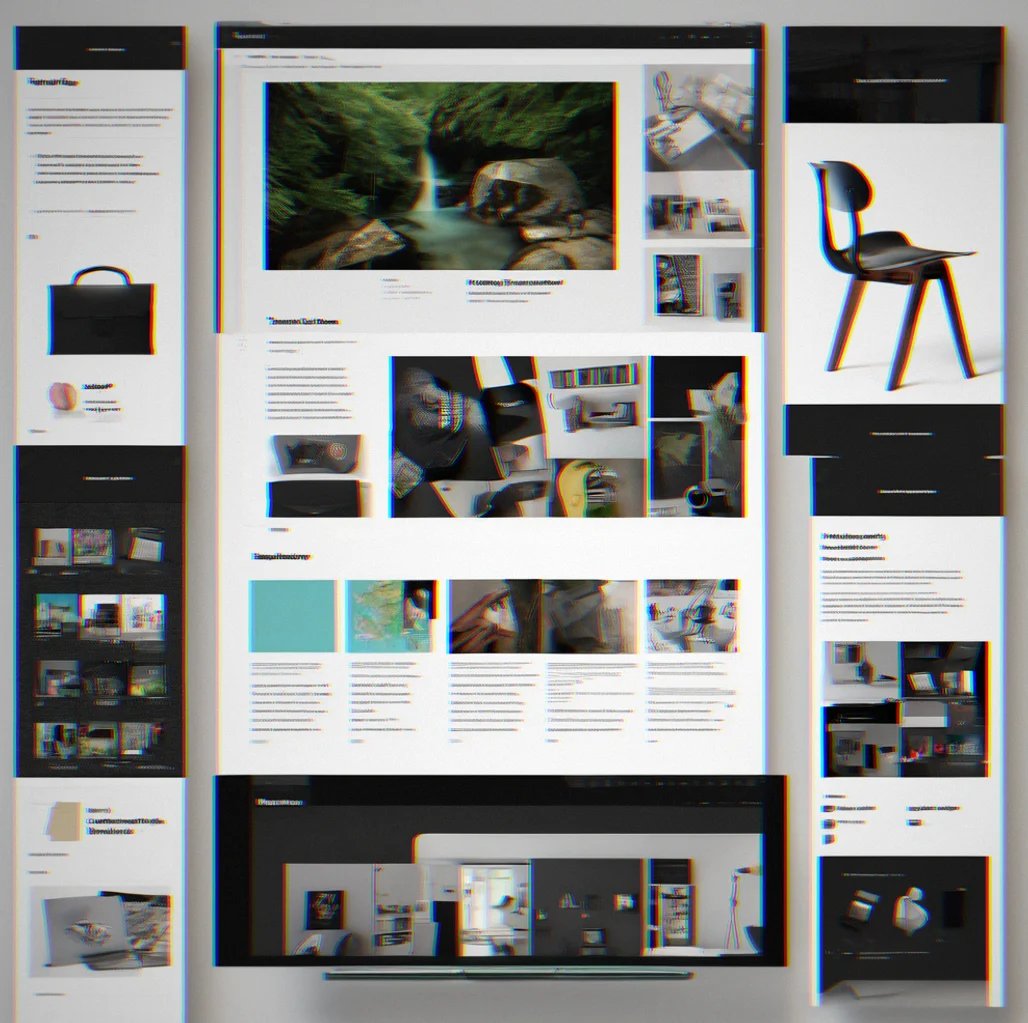
A designer's portfolio showing a dozen case studies laid out in three columns, dark theme with a custom serif font throughout
Developer's site with five GitHub repos connected, displaying live commit updates and pointing to a custom domain
Photographer's grid layout packed with high-res photos from a series, keeps text minimal, light background
Writer's portfolio linking to published pieces, bylines, and a brief abbout section on a simple white layout

How Northfolio works

Upload your work

Drop in JPGs, PNGs, WebP, or GIFs. Video from Vimeo or YouTube works too. Got code? Link your GitHub directly. No converting files, no weird Format rules that make you shrink or re-compress everything.

File upload interface showing image and video format options accepted by Northfolio

Arrange your pieces

Just drag things around. Your grid shifts instantly to match. Whether you've got a handful of pieces or a ton of them, the layout figures itself out without weird empty spaces or forced alignment. And none of this is locked in—you can shuffle things around anytime before you actually go live.

Portfolio grid showing drag-and-drop reordering of project tiles

Connect your tools

Link up a GitHub repo or embed a Figma prototype. Once you've connected it, the connection stays active. Push new code or update your designs and your portfolio reflects it automatically. You don't have to do anything on your end.

Settings pnael displaying GitHub repository and Figma workspace connection options

Choose your typeface

Six different combinations to pick from. Some serif, some sans, a monospace option in there too. Choose one and your whole protfolio adopts it. Everything feels visually connected without you having to think about it.

Type specimen display showing available Northfolio typeface options and samples

Set your accent color

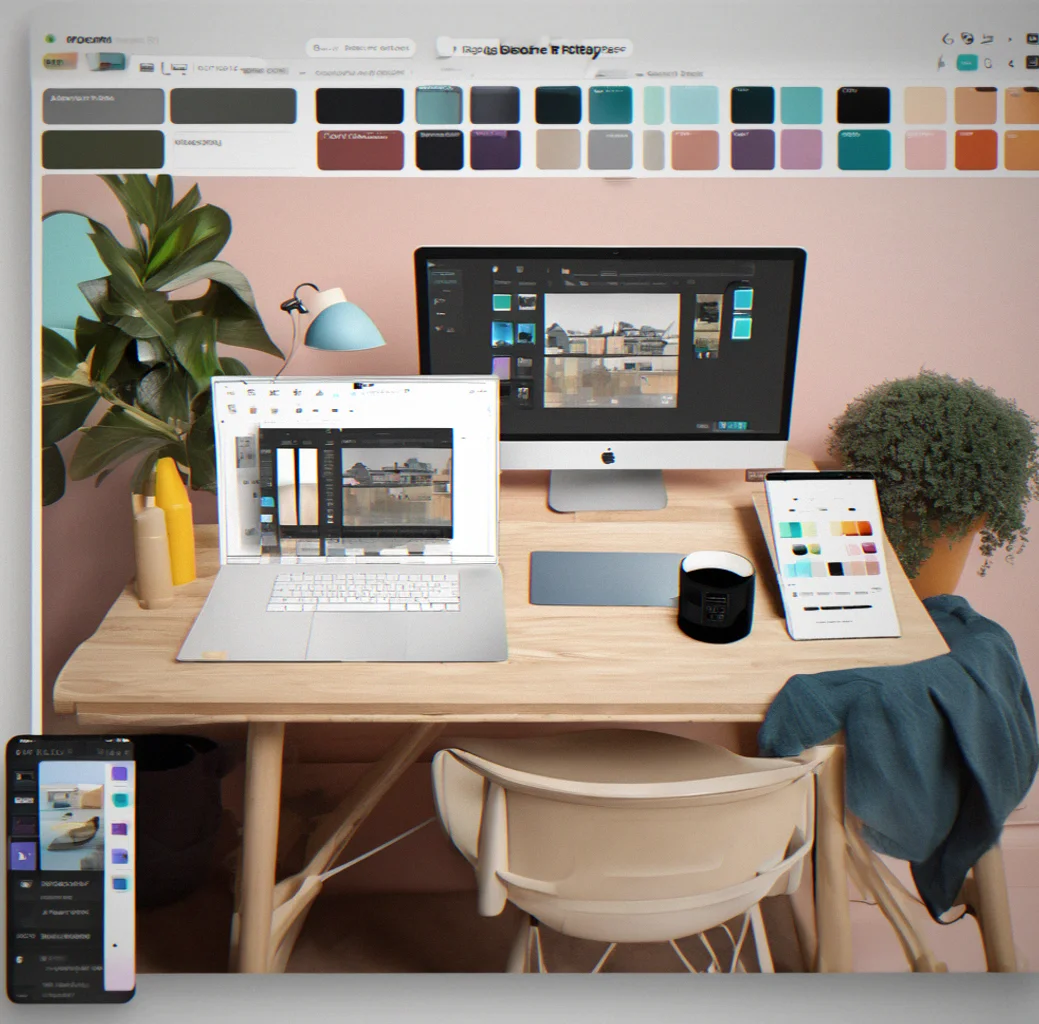
Pick one color for links and highlights or keep it understated. Dark mode happens automatically. Light mode is there if you want it. That single color choice ends up controlling your whole visual hierarchy and you're not drowning in decisions.

Color picker interface showing accent color selection with light and dark mode previews

Add your custom domain

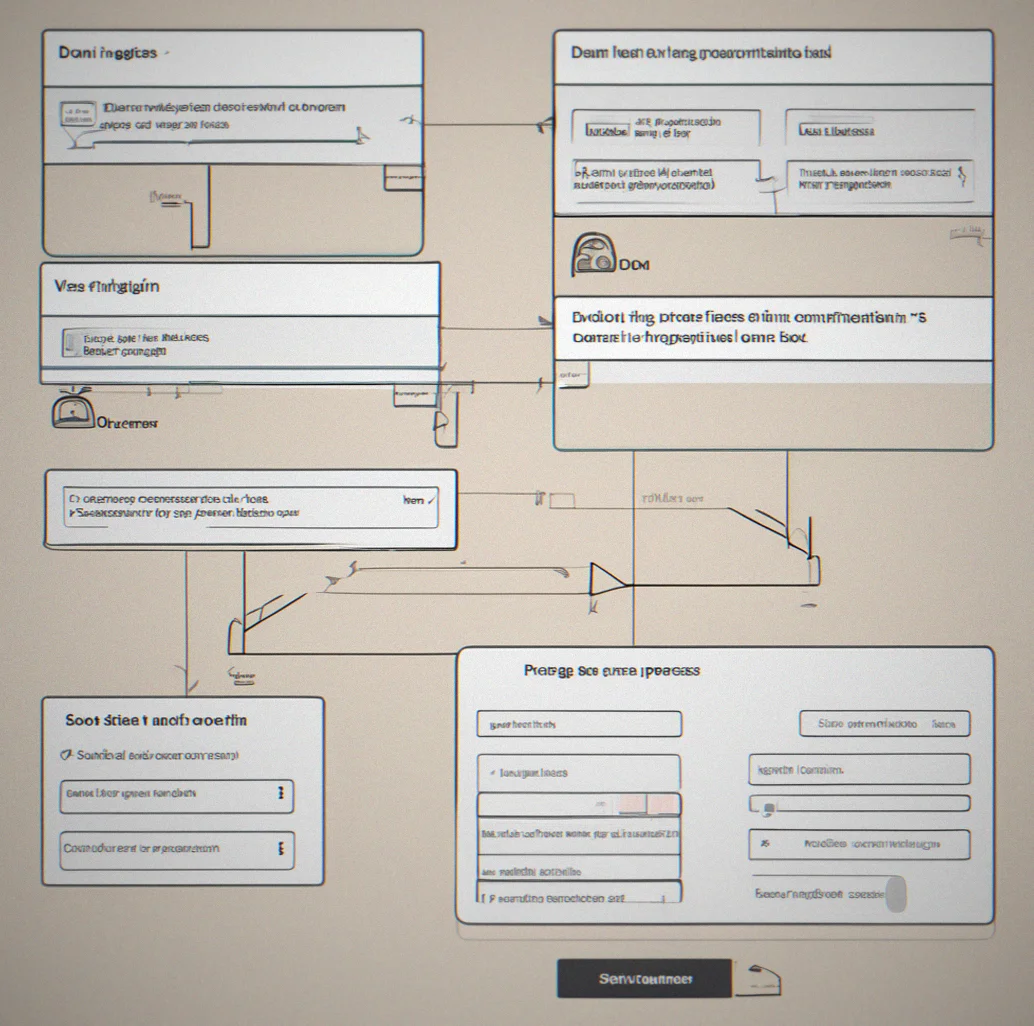
Use yourname.com instead of yourname.northfolio.com. Point your DNS and we take it from there. It's included on every plan—no extra charge, no special tier you have to unlock.

DNS configuration dialog showing domain connection steps and verification status

Publish and share

Turn it on. Your portfolio's live. That URL doesn't change. Anyone who saves it to their bookmarks will find your work waiting in the exact same spot.

Portfolio publish confirmation screen showing live URL and sharing options

Common questions

FAQ

Questions we actually get from people looking at Northfolio. No fluff, just straight answers.

You own it completely. Every plan comes with one custom domain included. There's no premium version hiding better features. Just point your DNS at us and you're good. Whether it's yourname.com, yourname.studio, or whatever domain you grabbed, it'll work.

Yeah, probably. If you need way more than 15 portfolio pieces, you've outgrown what Northfolio does. That's by design. We built this for people showing their best work, not archiving everything they've ever touched. The good news is you can pull your JSON data anytime and take it elsewhere.

It stays synced without you doing anything. Connect a repo and your portfolio pulls the latest code automatically. Push a commit and it shows up on your site. Figma works the same way — you get live updates, not some old snapshot from whenever you last remembered to refresh.

Nope. No shopping carts, no product pages, no payment stuff at all. We didn't build these features in and then let you turn them off. They're just not there. You get your portfolio, custom domain, integrations and dark mode. That's it.